
Knowledge base
Install · Admin
Connect cron-job.org (API key)
Your key stays on your store. Connect once — catalog sync, order checks, and other background work keep running.
Updated 2026-09-15
- 1
Open Settings → API Keys
Sign in at console.cron-job.org, open Settings, then click + Create API key.

- 2
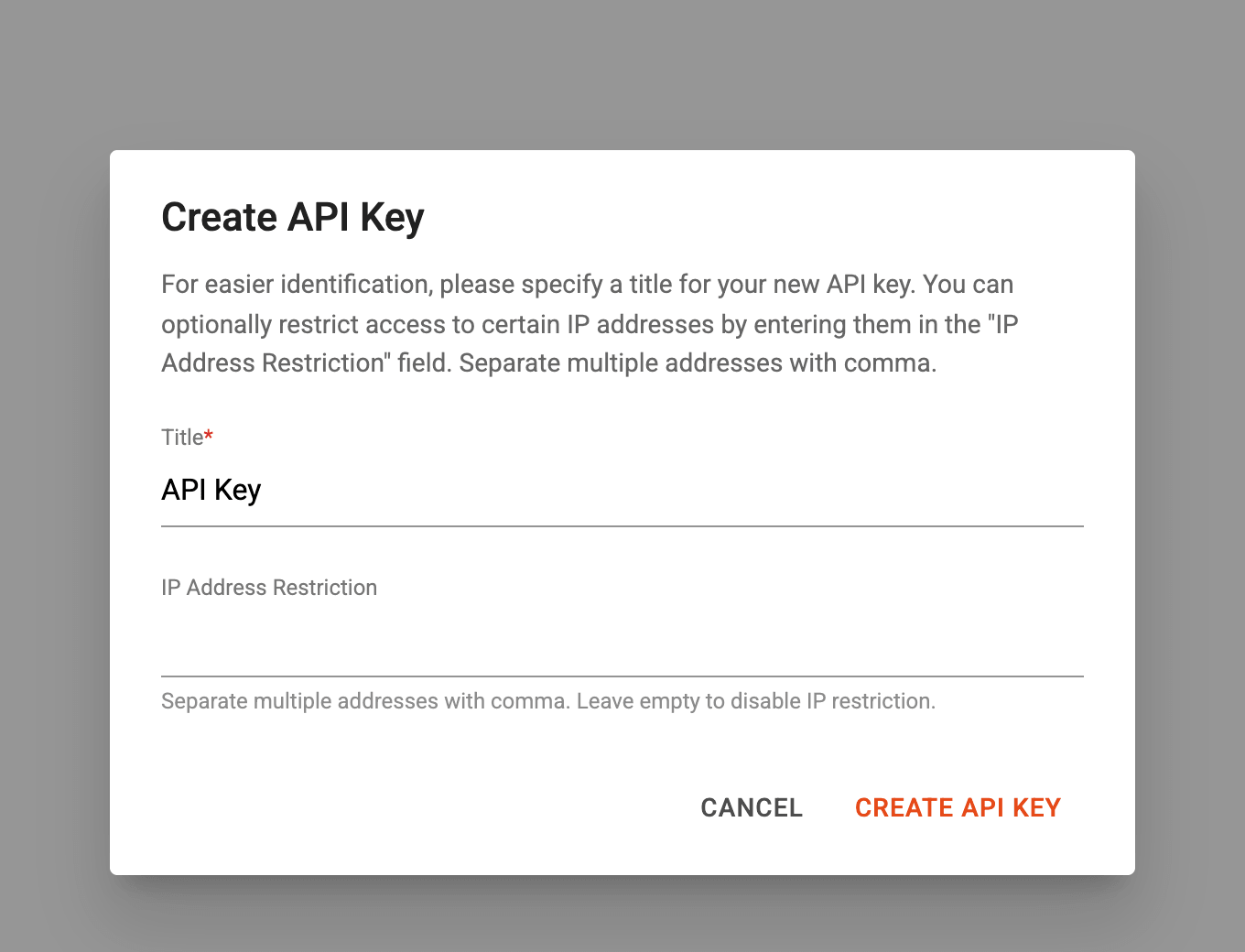
Name the key and create it
Give it any title (for example “API Key”), leave IP restriction empty, then create.
- 3
Display key and copy
Click Display key, copy the token, then paste it in the installer or Admin → Crons.

Related guides